Skip to the content
























SECURITY & COMPLIANCE FOR MICROSOFT TEAMS



 Real Time DLP
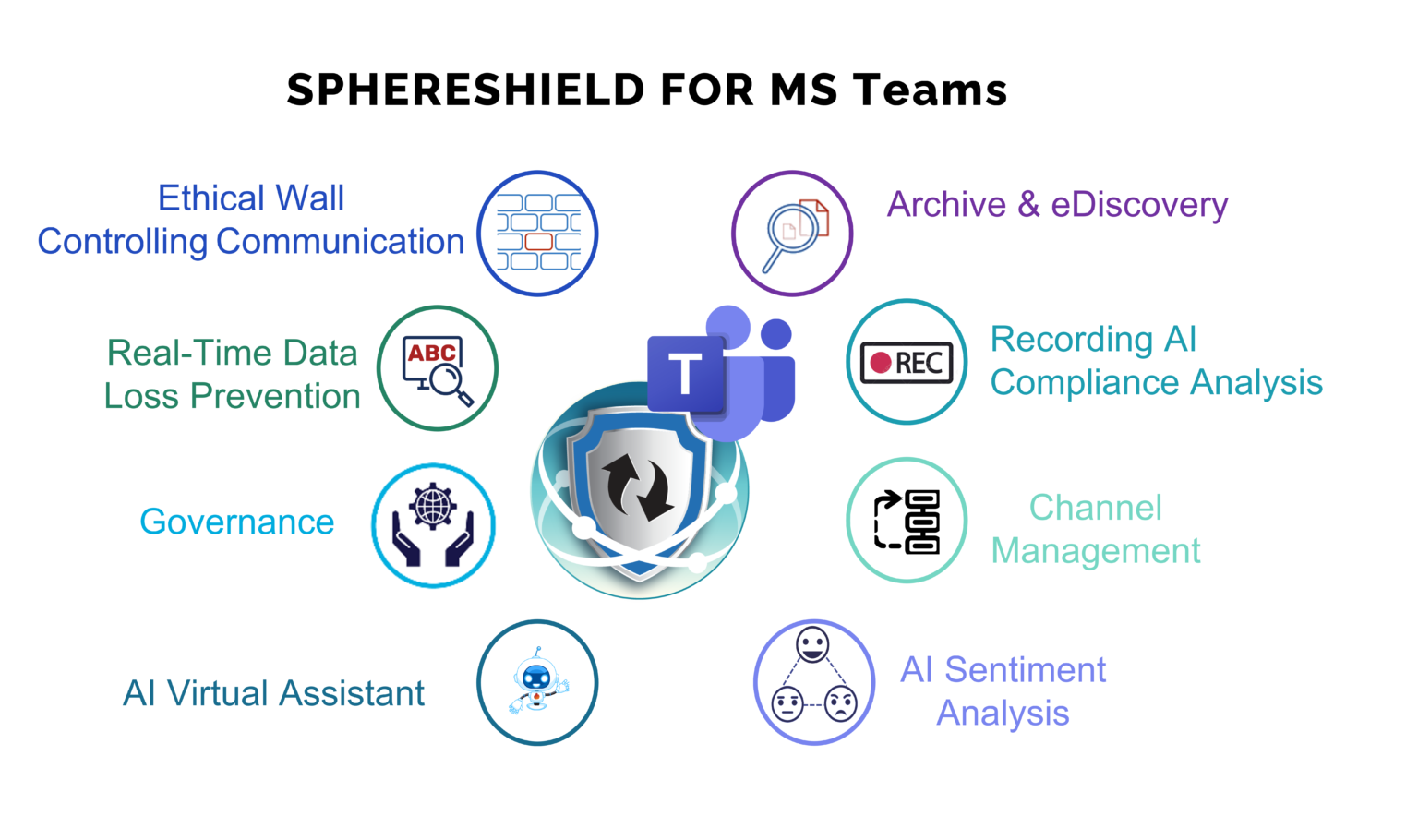
 Real-time (Active) inspection of content (messages, files and audio) before reaching the destination. Use AGAT DLP engine or integrate SphereShield with a leading DLP vendor and keep all your existing policies. Incident links to eDiscovery to review conversation context.

Ethical Wall
Block communication between users and control user activities such as desktop sharing, file transfer etc. Set communication policies based on groups, users, domains, conversation type (Channel/Chat), scope (internal/external) and more.

Extended eDiscovery
Archive your data on cloud or on site. Search and export any communication by parameters such as user, time, channel and text. Integrate with your existing on site eDiscovery and archiving solutions.
 Channel Management
 Control your Microsoft Teams Channels with the ability to move, archive and export Channel content.
 Recording AI Compliance Analysis
Audio and Video analysis of recorded meetings for DLP and eDiscovery needs. Make meeting searchable using eDiscovery. Inspect meeting audio and video content by DLP policies. Smart DLP incidents with links to video and transcript time.
 MS Teams Governance
Control team and channel creation. Configure who can be a team owner, add users or guests as well as who can be a guest in external tenants. Control file upload to Teams, OneDrive and SharePoint.

Virtual Assistant
Empower online meetings using an AI engine for generating insights such as Summary, Decisions and Tasks that are synced into Asana, Monday, Trello and MS Planner.

Sentiment Analysis
Analyze meetings, chats and email conversations both internally and externally to gain communication insights such as positive and negative conversations between users.

Ethical Wall To Control Communication
SphereShield addresses many important regulatory issues by offering a flexible and granular control of who can communicate with whom and in what ways. Address both external users and guests as well as internal communications between different Active Directory Groups, Azure Active Directory Groups, Users, Domains and Teams. Control which specific collaboration options to block and which to allow: Messaging, File-Sharing, Audio, Video, Screen-Sharing.
Use Existing DLP Infrastructure
SphereShield is leading in its field with DLP inspection that is capable of blocking or masking all data that is defined as sensitive, before arriving at its destination. Gain control over what users can share. DLP inspection can be done by our built in engine or utilizing existing DLP infrastructures of leading DLP vendors. SphereShield can be integrated with Symantec, Fidelis, Google, GTB, McAfee and ForcePoint. SphereShield allows users to create granular policies based on external traffic, users, groups and Teams. Scan all the content used in MS Teams including Exchange, OneDrive and SharePoint.
Microsoft Teams Governance
SphereShield’s governance allows to apply policies controlling operations such as who can create an MS Teams Team/Channel and who can add others to Teams/Channels, configure who can be a team owner and control file upload to Teams, OneDrive and SharePoint.
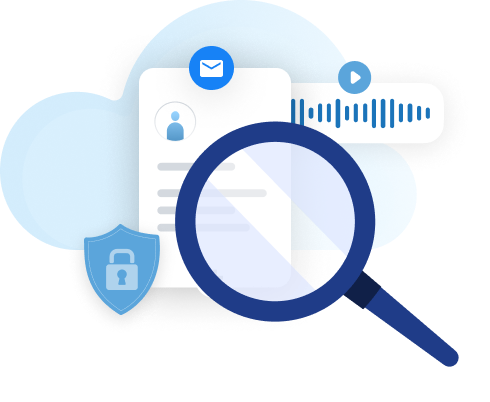
Search And Export Information Easy And Fast With Archive & eDiscovery
SphereShield provides compliant archiving and an intuitive yet powerful eDiscovery engine. Perform advanced search by text, users, dates and more. Capable of integrating with existing eDiscovery systems. Search for personal information and export user data. SphereShield provides a full data dashboard independent of O365.
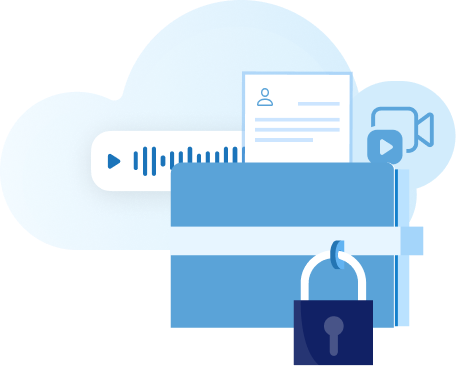
Perform Audio and Video Analysis on Recorded Meetings
SphereShield offers a unique capability to archive Audio & Video recordings (including on-premises archiving or VPS) and analyse its content. This is done by transcribing the audio conversation and analysing the on-screen video with OCR. Transcribe all recorded audio to 70+ languages with automatic language detection and speaker enumeration: which speaker spoke which words and when. Search all meeting content by parameters such as dates, attendees, type (internal/external), text, audio, and more. Also, inspect meeting audio and video by DLP policies with direct links to incidents.
Channel Management for MS Teams
SphereShield for Microsoft Teams provides multiple productivity tools with Channel Management. Channel Management helps your Teams environment evolve with your ever changing business. Move, Archive, Export, Copy & Merge Channels. Remove the clutter, increase productivity and archive when needed.